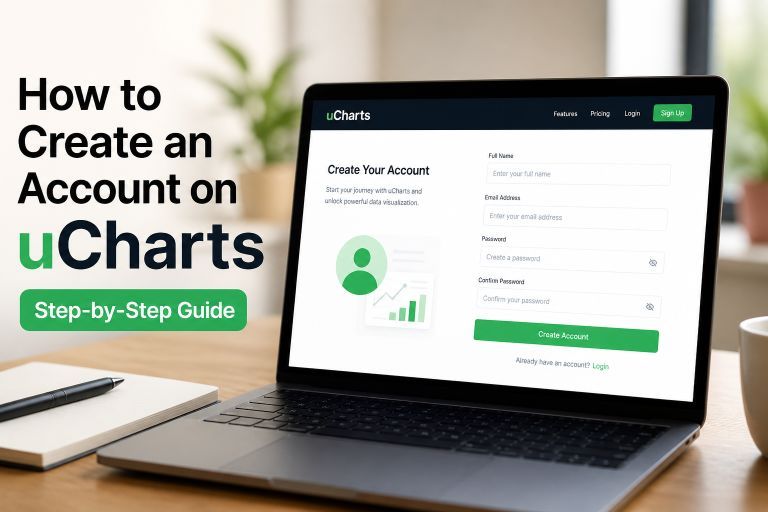
How to Create an Account on uCharts (Step-by-Step Guide)
If you’re looking to explore financial charts or practice trading strategies, the first step is creating an account on uCharts. The platform offers a simple signup process and gives you access to powerful tools for market analysis and simulation trading.
In this guide, you’ll learn how to create a uCharts account step by step, even if you’re a complete beginner.
What is uCharts?
uCharts is an online platform that allows users to analyze market data and practice trading using simulation (paper trading) accounts. It is designed to be user-friendly and accessible for both beginners and experienced users.
Requirements for Creating a uCharts Account
Before you begin, make sure you have:
- A valid email address
- A secure password
- Basic personal details (such as your name)
Step-by-Step: How to Create an Account on uCharts
Step 1: Go to the uCharts Login Page
Visit the official uCharts application page. You will see a login form on the homepage.
👉 Look for the “Create account” option below the login button.
+———————————-+
| uCharts |
|———————————-|
| Email: [__] |
| Password: [__] |
| |
| [ Login ] |
| |
| Create account |
| Forgot password |
+———————————-+
Step 2: Click on “Create Account”
Clicking this option will take you to the registration form where you can enter your details.
+———————————-+
| Create Account |
|———————————-|
| Name: [__] |
| Email: [__] |
| Password: [__] |
| |
| [ Register ] |
+———————————-+
Step 3: Fill in Your Details
Enter the required information:
- Name
- Email Address
- Password
💡 Tip: Use a strong password with a mix of letters, numbers, and symbols for better security.
Step 4: Submit Your Registration
After entering your details:
- Review your information
- Click on the Register button
Your account will be created instantly.
Step 5: Log In to Your Account
Once registered, return to the login page and enter your email and password to access your account.
What You Can Do After Creating an Account
After signing up, you can:
- Access real-time market charts
- Create simulation (paper trading) accounts
- Practice trading strategies without risk
- Analyze stocks and other financial instruments
Benefits of Using uCharts
- Beginner-friendly interface
- No-risk trading practice
- Real-time data access
- Ability to test multiple strategies
Common Issues and Solutions
Forgot Password
Use the “Forgot password” option on the login page to reset your password.
Incorrect Email
Double-check your email address while signing up to avoid login issues later.
Security Tip
Never share your login credentials with anyone.
Conclusion
Creating an account on uCharts is quick and easy. With just a few steps, you can access a powerful platform for learning and practicing trading. Whether you’re a beginner or someone looking to improve your strategies, uCharts provides a practical and risk-free environment to get started.